Estimated Reading Time: 8 minutes
Creating exceptional digital products means designing experiences that everyone can use. Accessibility is no longer considered an optional enhancement or a feature reserved for a small group of users. It has become a fundamental aspect of modern software development, ensuring that websites and applications are usable by people with different abilities, devices, and environments.
Organizations that prioritize accessibility from the beginning create better experiences for all users while reducing technical debt, improving usability, and meeting international accessibility standards.
In this article, we’ll explore why accessibility should be part of every project from day one and how development teams can build more inclusive digital experiences.
What Is Digital Accessibility?
Digital accessibility is the practice of designing and developing websites, applications, and digital services that can be used by everyone, including people with visual, hearing, motor, cognitive, or temporary impairments.
An accessible product removes unnecessary barriers and allows users to interact with digital content regardless of how they access it.
Accessibility supports users who rely on:
- Screen readers
- Keyboard navigation
- Voice control software
- Screen magnifiers
- Alternative input devices
- High contrast display settings
Designing with accessibility in mind ultimately creates better experiences for every user, not only those with disabilities.
Why Accessibility Matters
Accessibility impacts usability, customer satisfaction, legal compliance, and business performance.
Millions of people worldwide experience permanent or temporary disabilities that affect how they interact with technology. Others may encounter situational limitations, such as using a mobile phone in bright sunlight or navigating a website with one hand.
Accessible design improves the experience for all of these users while also supporting:
- Higher customer satisfaction
- Improved search engine optimization (SEO)
- Better mobile usability
- Wider audience reach
- Compliance with accessibility regulations
Accessibility isn’t about designing for a few users. It’s about designing better products for everyone.
Start Accessibility During the Design Phase
The most effective time to consider accessibility is before development begins.
When accessibility is integrated into wireframes, design systems, and user flows, implementation becomes significantly easier and more cost-effective than retrofitting an existing product.
Design teams should consider:
- Readable typography
- Sufficient color contrast
- Logical navigation
- Clear visual hierarchy
- Consistent layouts
- Accessible component libraries
Building accessibility into the design process reduces future rework while improving usability for every visitor.
Color Should Never Be the Only Indicator
Color is a valuable design tool, but it should never be the sole method of communicating information.
For example, displaying validation errors only in red may prevent color-blind users from recognizing the issue.
Instead, combine color with:
- Icons
- Labels
- Helper text
- Status messages
This ensures information remains understandable regardless of how users perceive color.
Keyboard Navigation Is Essential
Many users rely entirely on keyboards to navigate digital products.
Every interactive element should be accessible without requiring a mouse.
This includes:
- Menus
- Buttons
- Forms
- Dialogs
- Dropdown menus
- Interactive tables
Visible focus indicators help users understand where they are while navigating through the interface.
Write Meaningful Content
Accessible experiences depend on clear communication as much as technical implementation.
Buttons, links, and headings should clearly describe their purpose.
Instead of generic labels like:
- Click Here
- Read More
- Learn More
Use descriptive alternatives such as:
- Download Annual Report
- View Pricing Plans
- Create Your Account
Clear language improves accessibility while also enhancing usability and SEO.
Build Accessible Forms
Forms are among the most common sources of accessibility issues.
Every form should provide clear labels, descriptive instructions, and meaningful validation messages.
Good accessibility practices include:
- Associating labels with every input field.
- Grouping related fields together.
- Displaying helpful error messages.
- Identifying required fields clearly.
- Allowing users to correct mistakes easily.
Accessible forms improve completion rates while reducing frustration.
Support Screen Readers
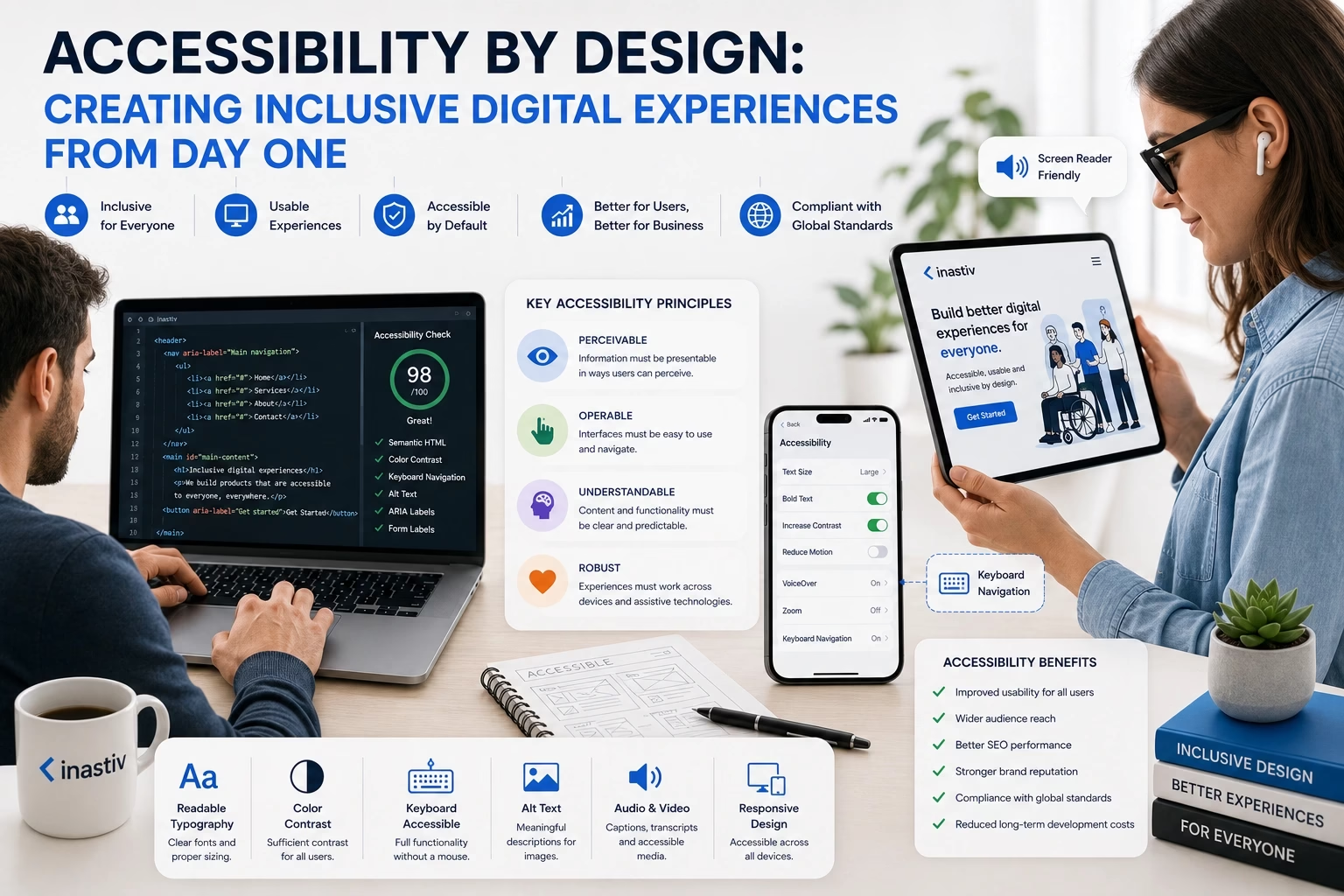
Screen readers convert digital interfaces into spoken content, allowing visually impaired users to navigate websites and applications.
Developers can improve compatibility by using semantic HTML and meaningful page structure.
Best practices include:
- Proper heading hierarchy.
- Alternative text for informative images.
- Descriptive button labels.
- Landmark elements such as <header>, <main>, and <footer>.
- Accessible ARIA attributes when appropriate.
Semantic HTML provides valuable context that assistive technologies rely upon.
Test Accessibility Throughout Development
Accessibility should be verified continuously rather than postponed until launch.
Development teams should combine automated testing with manual evaluation.
Testing may include:
- Keyboard-only navigation.
- Screen reader testing.
- Color contrast evaluation.
- Responsive usability testing.
- Accessibility auditing tools.
Regular testing helps identify issues before they affect end users.
Accessibility Benefits Businesses Too
Beyond compliance, accessibility provides measurable business value.
Accessible products often experience:
- Improved SEO performance.
- Higher customer engagement.
- Lower support costs.
- Broader audience reach.
- Improved brand reputation.
- Better overall user experience.
Organizations that invest in accessibility demonstrate a commitment to inclusivity while creating products that perform better for everyone.
Final Thoughts
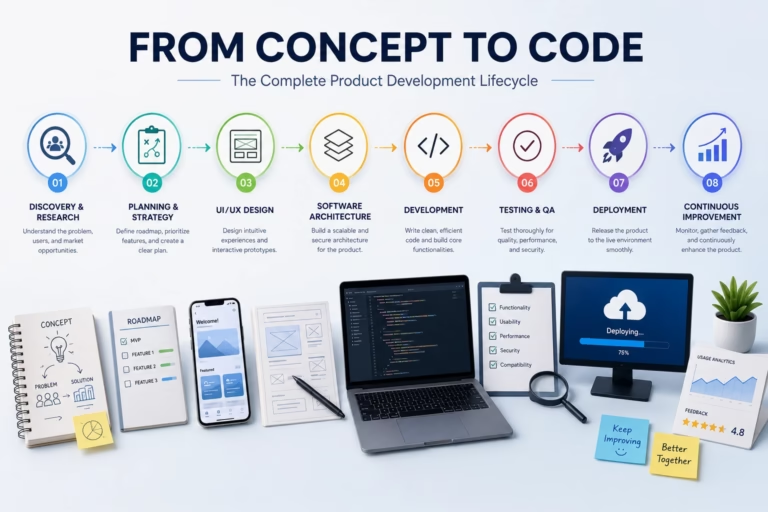
Accessibility should never be viewed as a final checklist before launch. It is a design philosophy that influences every stage of the product development lifecycle.
By considering accessibility from the earliest planning and design decisions through development, testing, and maintenance, organizations create digital products that are more usable, inclusive, and future-ready.
Designing for accessibility isn’t simply the right thing to do. It is one of the smartest investments a business can make in creating exceptional digital experiences.
About Inastiv
At Inastiv, we design and develop accessible digital products that combine usability, performance, and scalability. From user-centered UI/UX design to enterprise software development, our team helps businesses build inclusive web and mobile experiences that serve every user while meeting modern accessibility standards and industry best practices.